No Tilt
Pure 3D tic-tac-toe.
Get three of yours in a row across 49 possible winning lines — rows, columns, plane diagonals, and through-the-cube space diagonals. The gateway mode. Deceptively deep.
Drop a ball into a 3×3×3 cube. The cube tilts. Every piece falls under the new gravity. Plan around the chaos, or watch it hand you the win you didn't see coming.

Pure 3D tic-tac-toe.
Get three of yours in a row across 49 possible winning lines — rows, columns, plane diagonals, and through-the-cube space diagonals. The gateway mode. Deceptively deep.
Strategic. The chaos is telegraphed.
The next system tilt is rendered on the cube before you play. You can plan around it — or set up a position the tilt itself completes for you.
Reactive. Adapt fast.
Tilts fire without warning. The cube rotates, every piece re-settles, and you read the new board on the fly. Sharpest version of the game.
Each theme swaps the cube's materials, ball finish, background, and a full set of sound effects and music. Pick a vibe.
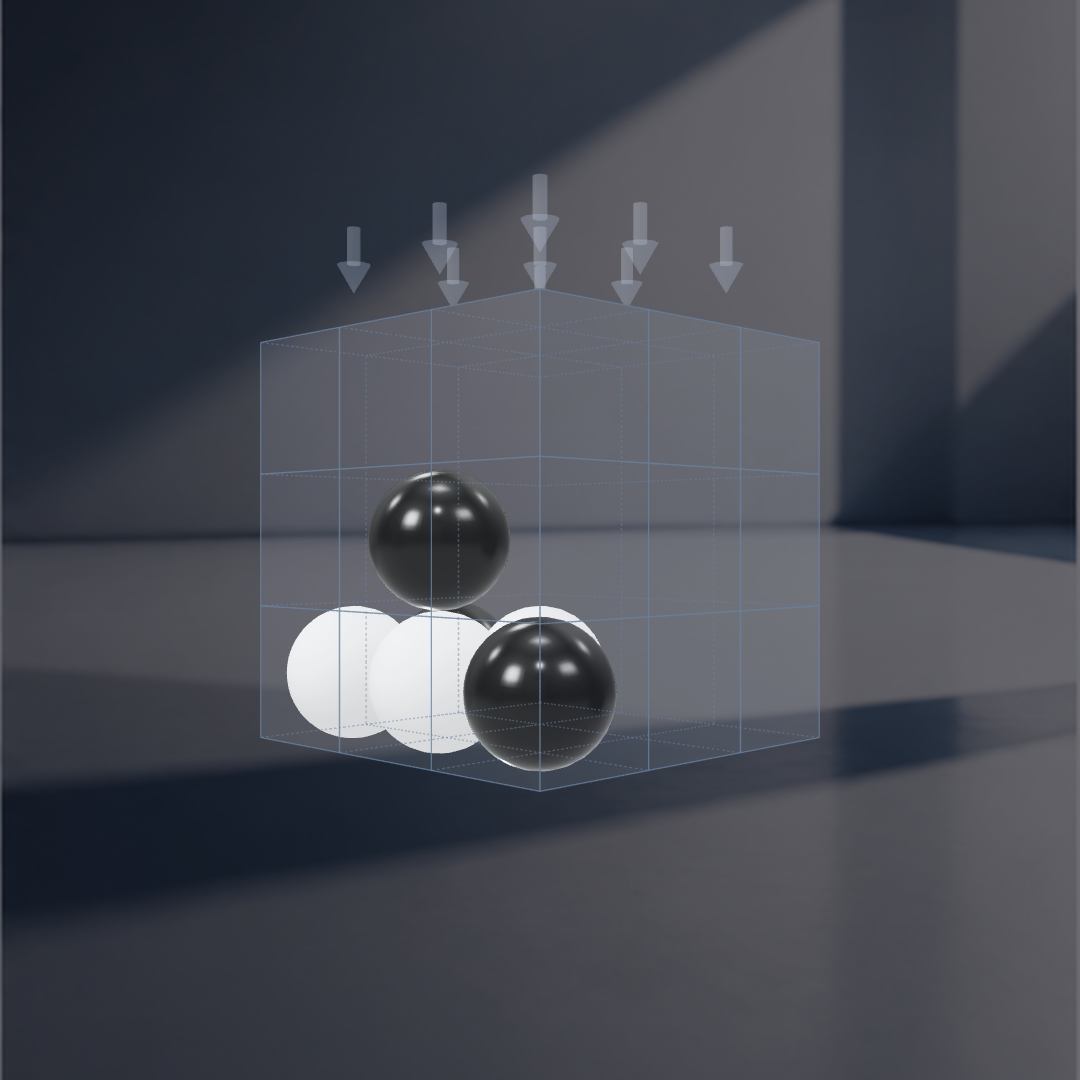


Get three of your balls in a row on any of 49 winning lines. Rows, columns, plane diagonals, and through-the-cube space diagonals all count.
Click or tap a column above the cube to drop your ball. It lands on the lowest empty cell. Watch the Tilt incoming indicator — a system tilt may be queued, and the cube will roll onto a new face before your next move.